
Recommended hardware for your pickleball venue
PlayServe runs in any browser, so you don't need special equipment to start. These are the eleven pieces we recommend for a smooth front desk: a counter terminal, receipts and cash handling, a queue screen for the lobby, and internet that stays up.
Store links open in a new tab. Some are affiliate or referral links: PlayServe may earn a small commission, at no extra cost to you. Product images are illustrative, not the exact listings.
- Counter terminal
an Android tablet on a stand, or a mini PC with a monitor, runs the PlayServe dashboard and POS in the browser
- Receipts
an 80mm Epson TM-T82X thermal printer, the LAN version, so every counter device can print to it
- Cash
a POS cash drawer that opens on cash sales, plus a bolted-down safe for end-of-day cash
- Lobby screen
a smart TV showing the live queue and Open Play view
- Pro shop
a USB barcode scanner for items, drinks and stock counts
- Internet
a dual-band router, an outdoor access point for the courts, and Starlink where fiber is weak
Shop the setup
All 11 pieces in one list. Pick your store.


Why each piece, and what to look for
- 01
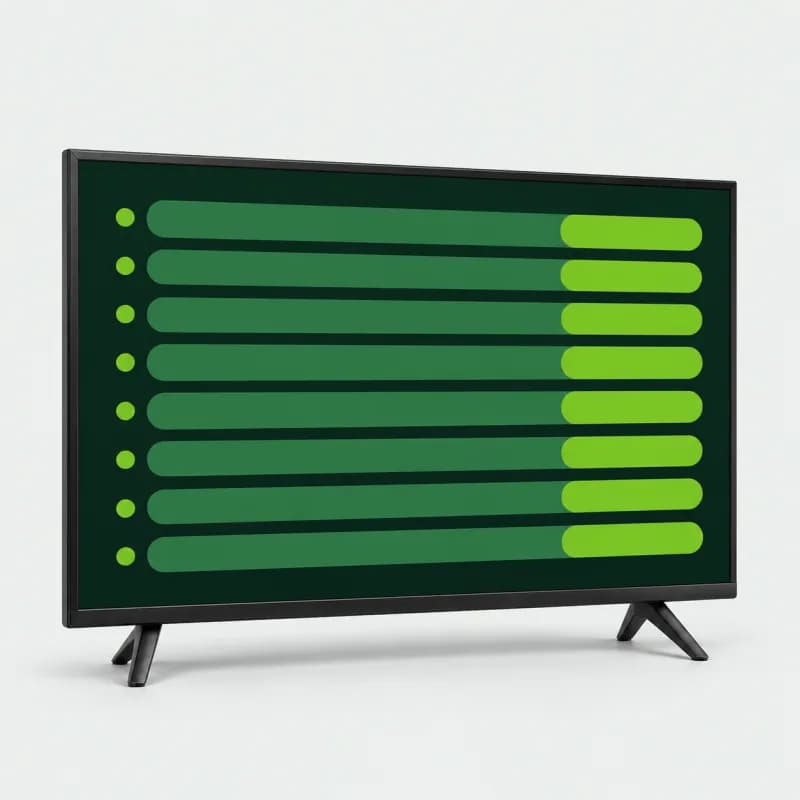
Smart TV
Your lobby queue screen. Open PlayServe's public queue display or the Open Play live view in the TV's browser, and players can see who is up next and how long the wait is without asking the front desk.
What to look for
- Smart TV with apps and a browser
- 32" for a small lobby; 42" to 50" if read from across the courts
- Wi-Fi or a LAN port
- Built-in digital TV tuner
Tip: If the TV's own browser is slow, plug a mini PC into its HDMI port and run the queue display from that.
- Shopee: Android / Google TV LED smart TV, 19" to 50"
- Lazada: Astron LED3277 32" smart TV, Wi-Fi + LAN
- 02
Cash Drawer
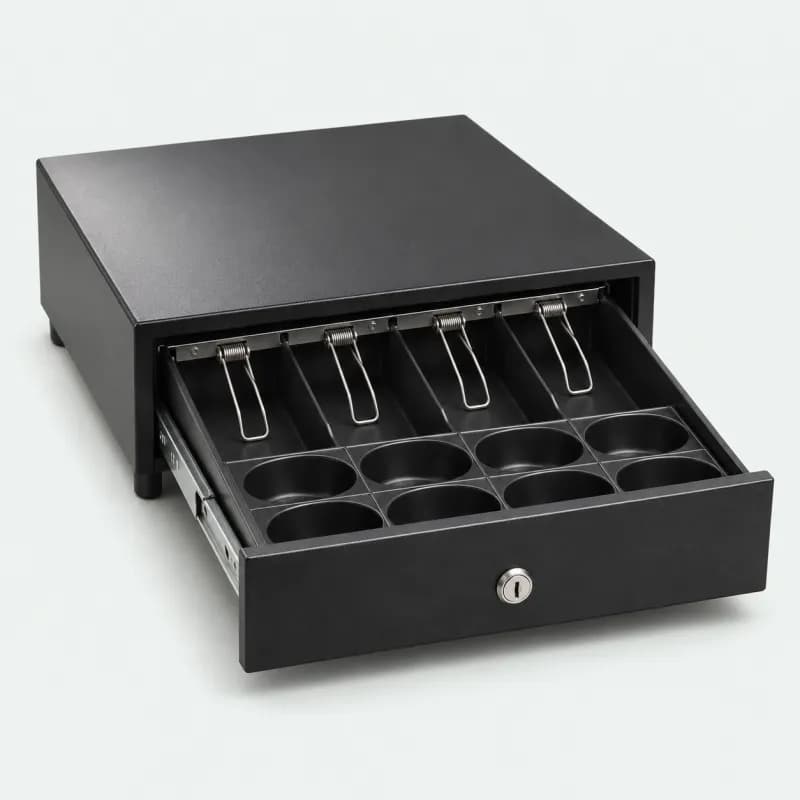
Holds the counter cash. It plugs into the receipt printer, and PlayServe's POS pops it open when it prints the receipt for a cash sale. Reprints don't open it, so the drawer only opens on a real transaction.
What to look for
- Steel body with a key lock
- Opens from the receipt printer (printer-driven, RJ11 cable)
- Spring clips for bills, cups for coins
- A removable tray is a plus
Tip: Connect the drawer cable to the printer's cash-drawer port, not to the tablet or PC.
- Shopee: Heavy-duty steel POS cash drawer, 4 bills / 5 coins
- Lazada: JNL Teeda ECD-338, 5 bills / 6 coins, removable tray
- 03
Thermal Receipt Printer (LAN version)
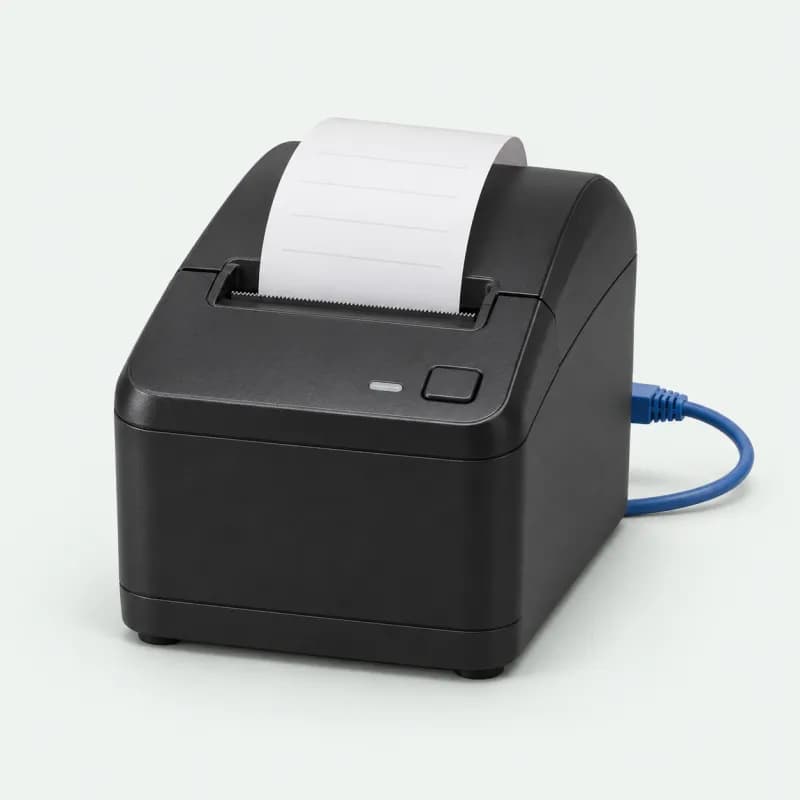
Prints POS receipts, sales invoices and official receipts for walk-ins, court fees, food and pro-shop sales. It also drives the cash drawer. Plugged into your router, every counter device can print to it.
Important: Buy the LAN (Ethernet) version, not USB + Serial. Both listings sell the two versions, so pick LAN when you choose the variation. PlayServe prints to a network printer from any counter device: through the PlayServe Print Bridge on a Windows or Mac computer, or the PlayServe Bridge app on an Android tablet.
What to look for
- Epson TM-T82X, LAN (Ethernet) interface
- 80mm paper, 203 × 203 dpi
- Auto cutter rated at 1.5 million cuts
- Cash-drawer port for automatic opening
Tip: The LAN cable isn't in the box. Plug the printer into the router and give it a fixed IP address so the POS always finds it.
Buy Thermal Receipt Printer (LAN version) on Shopee (opens in a new tab)Buy Thermal Receipt Printer (LAN version) on Lazada (opens in a new tab)- Shopee: Epson TM-T82X (choose the LAN variation)
- Lazada: Epson TM-T82X (choose the Ethernet LAN variation)
- 04
Tablet or Phone Stand
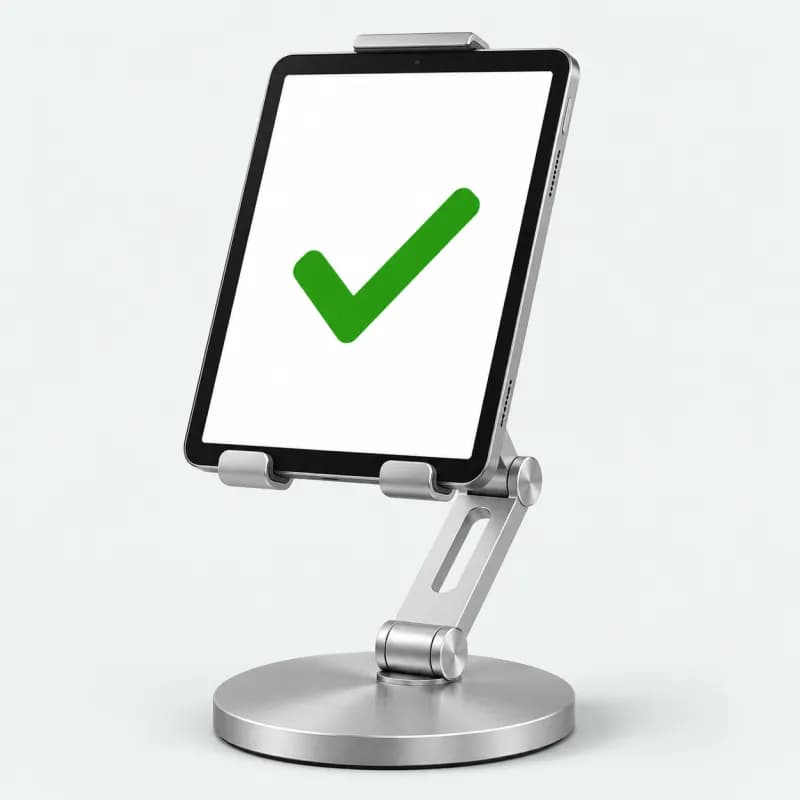
Turns a tablet or phone into a front-desk terminal or self-service kiosk. Swivel it to face the player for a QR payment or a quick check of their booking, then turn it back to staff.
What to look for
- Metal build with a heavy, non-slip base
- Rotates and tilts so the screen can face the player
- Fits phones and tablets up to about 13"
- Leaves the charging port free
Tip: Put it where the cable reaches a wall outlet. A tablet on the counter all day should stay plugged in.
Buy Tablet or Phone Stand on Shopee (opens in a new tab)Buy Tablet or Phone Stand on Lazada (opens in a new tab)- Shopee: BAVIN PS70 steel 360° stand, up to 12.9"
- Lazada: UGREEN aluminum dual-axis stand, 4" to 13"
- 05
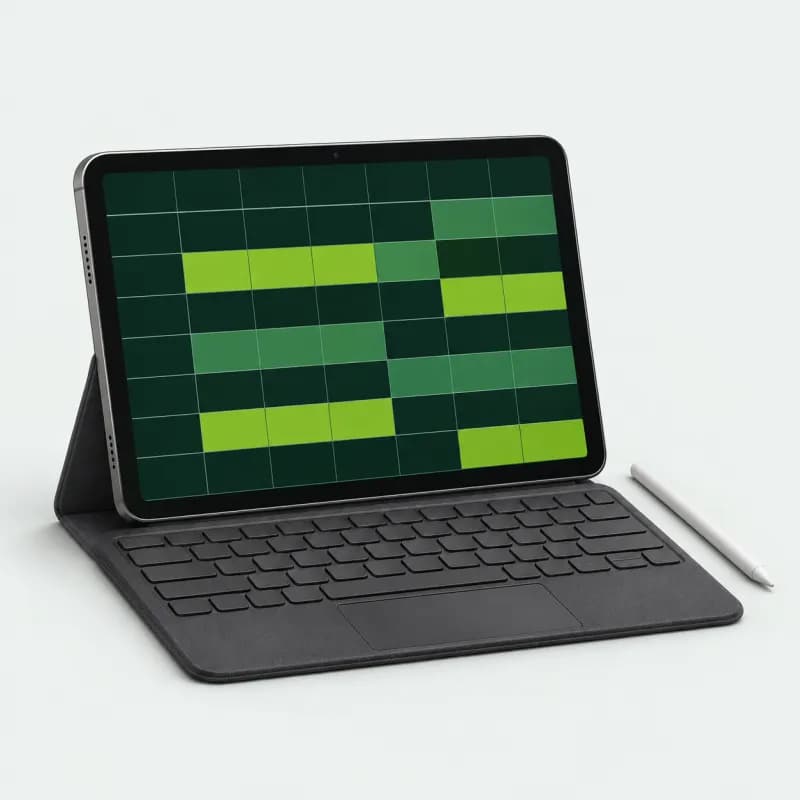
Android Tablet
Runs the PlayServe dashboard and POS in its browser: bookings, walk-ins, Open Play queues, payments and cash reconciliation. No app install needed.
What to look for
- 10-inch-class screen
- SIM slot for mobile-data backup
- Android 12 or newer
- Case and keyboard bundle helps at the counter
Tip: Put a prepaid data SIM in it. If the venue Wi-Fi drops, the counter stays online.
- Shopee: 10" Android tablet bundle with case, keyboard and stylus
- Lazada: 10.5" Android 12 tablet, dual SIM
- 06
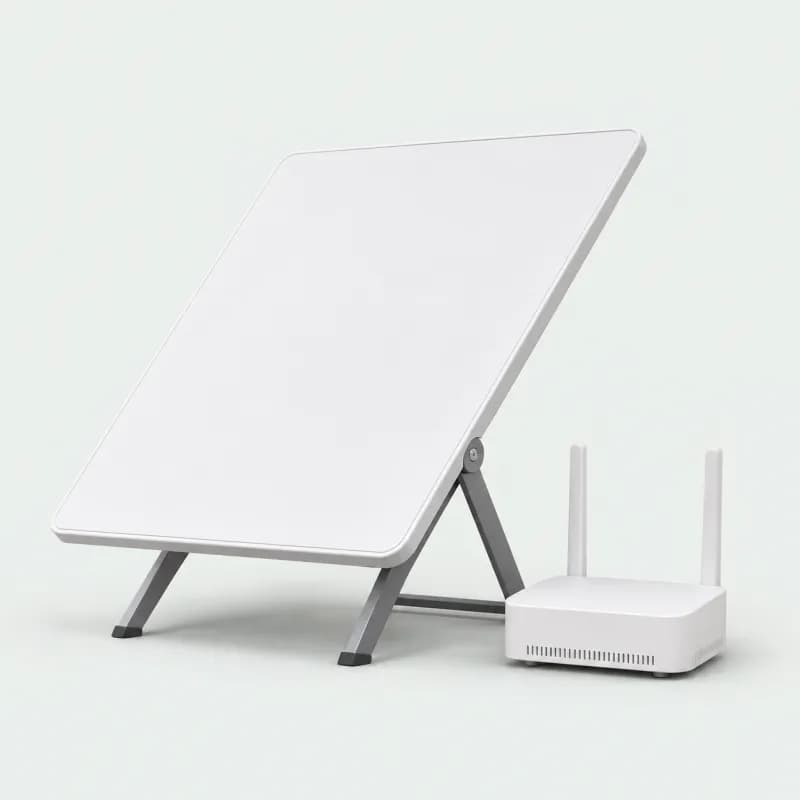
Starlink Internet
Internet for venues where fiber is slow, unreliable or not available yet. Online bookings, GCash, Maya, QR Ph and card payments all need a live connection to confirm.
What to look for
- Satellite internet, no fiber line needed
- Standard kit: dish plus Wi-Fi router
- Works in rural and remote areas
- Good as a backup line next to fiber
Tip: Mount the dish with a clear view of the sky, away from roofs, trees and court lighting poles.
- Starlink Standard kit
- 07
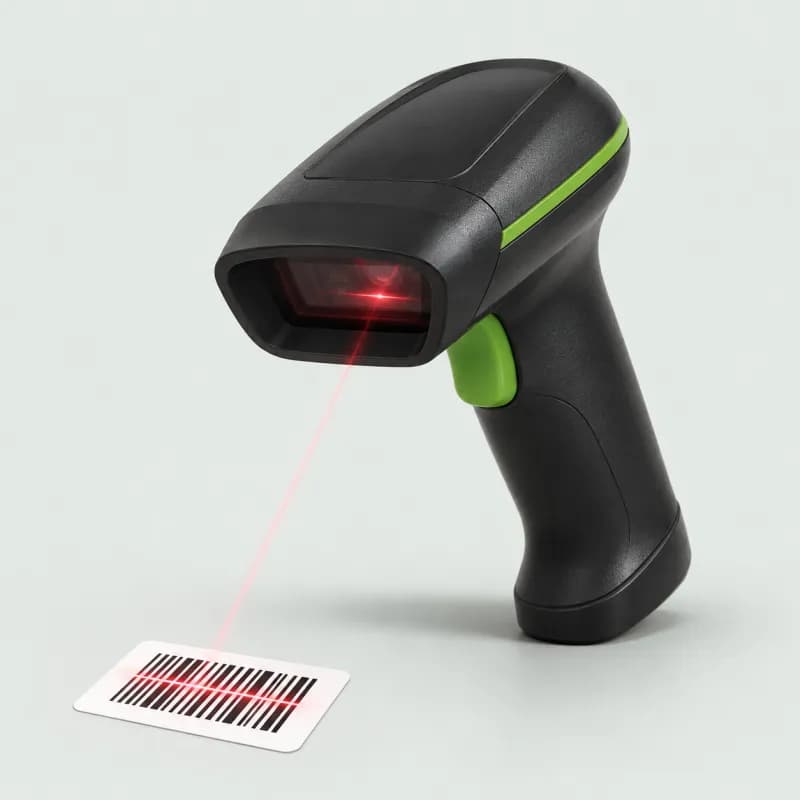
Barcode Scanner
Rings up pro-shop items, drinks and rentals at the POS and speeds up stock counts in inventory. It types the code like a keyboard, so it works in the browser with no driver.
What to look for
- Reads 1D barcodes and 2D / QR codes
- USB plug and play, no driver
- Wireless (Bluetooth) models pair with a tablet
- Fast continuous scanning
Tip: Add your product barcodes in PlayServe inventory first. Then one scan adds the item to the sale.
Buy Barcode Scanner on Shopee (opens in a new tab)Buy Barcode Scanner on Lazada (opens in a new tab)- Shopee: Comet wired 1D / 2D scanner
- Lazada: Eyoyo 1D / 2D scanner, Bluetooth + USB, with stand
- 08
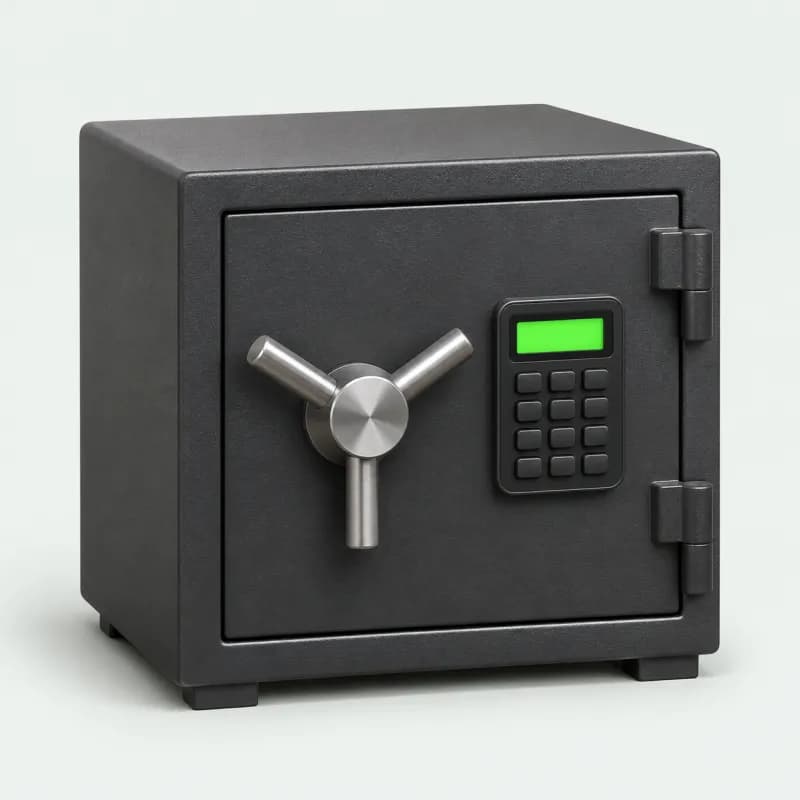
Vault Safe
Where the day's cash goes after the shift closes. Count the drawer against PlayServe's cash reconciliation and end-of-day report, then drop the cash in the safe instead of leaving it in the register.
What to look for
- Digital keypad plus emergency key
- Solid steel body and locking bolts
- Holes to bolt it to the floor or wall
- Big enough for a day's bills and the float
Tip: Bolt it to the floor or wall. An unbolted safe can be carried out.
- Shopee: Electronic safe, 35 × 25 × 25 cm, 8 kg
- Lazada: Mini digital safe, about 23 × 17 × 17 cm
- 09
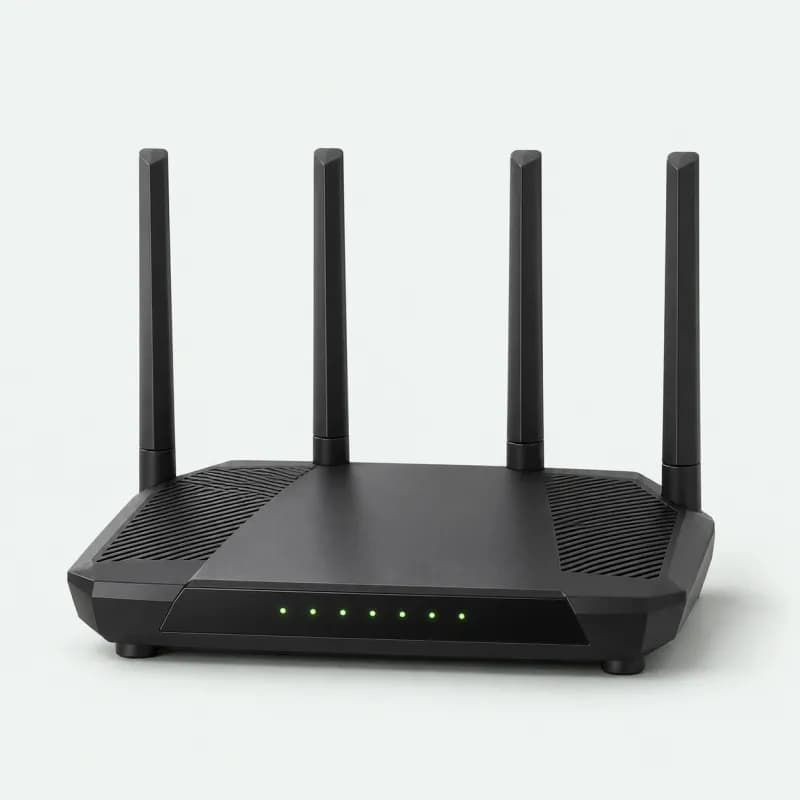
Wi-Fi Router
The main network for the front desk: tablet, mini PC, receipt printer and TV. A dual-band router keeps staff devices fast when a full lobby of players' phones joins too.
What to look for
- Dual-band (2.4 GHz + 5 GHz)
- Spare LAN ports for the printer and mini PC
- Beamforming for wider coverage
- Wi-Fi 6 if your lobby gets busy
Tip: Plug the receipt printer into the router with a LAN cable. A wired printer doesn't drop off Wi-Fi mid-shift.
- Shopee: TP-Link Archer AX23, AX1800 Wi-Fi 6
- Lazada: TP-Link Archer C54, AC1200 Wi-Fi 5
- 10
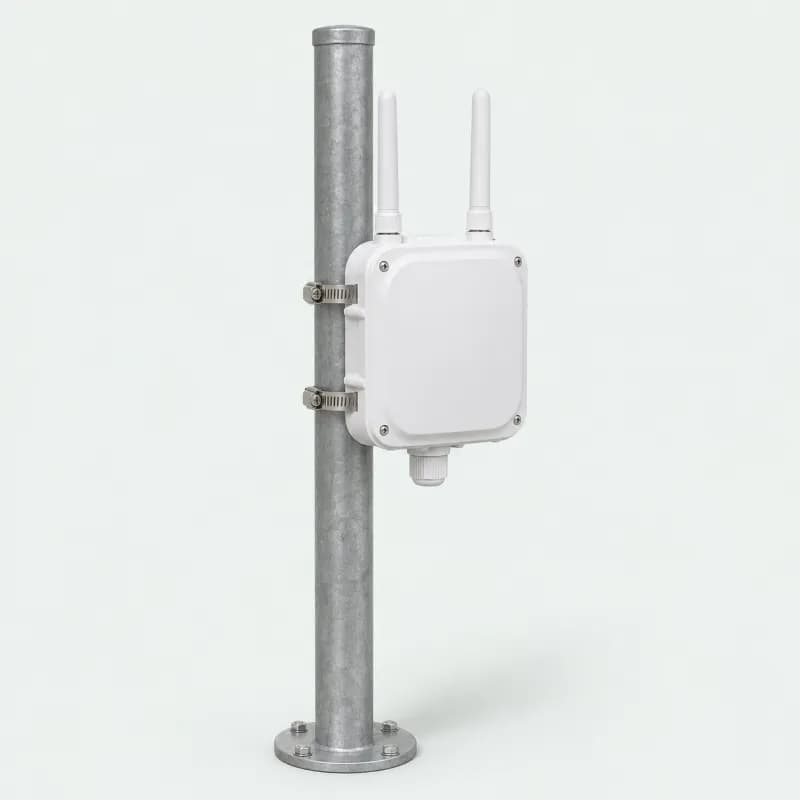
Outdoor Wi-Fi Access Point
Carries Wi-Fi out to the courts so players can book, join the queue and pay by QR courtside, and a roaming staff tablet stays connected.
What to look for
- Weatherproof outdoor housing
- Powered over the network cable (PoE)
- Wall or pole mounting kit
- Free Omada management for one or many units
Tip: Mount it high on a pole or wall facing the courts and run a cable back to the router.
Buy Outdoor Wi-Fi Access Point on Shopee (opens in a new tab)Buy Outdoor Wi-Fi Access Point on Lazada (opens in a new tab)- Shopee: TP-Link EAP225-Outdoor, AC1200 dual band
- Lazada: TP-Link EAP110-Outdoor, 300 Mbps 2.4 GHz, up to 200 m
- 11
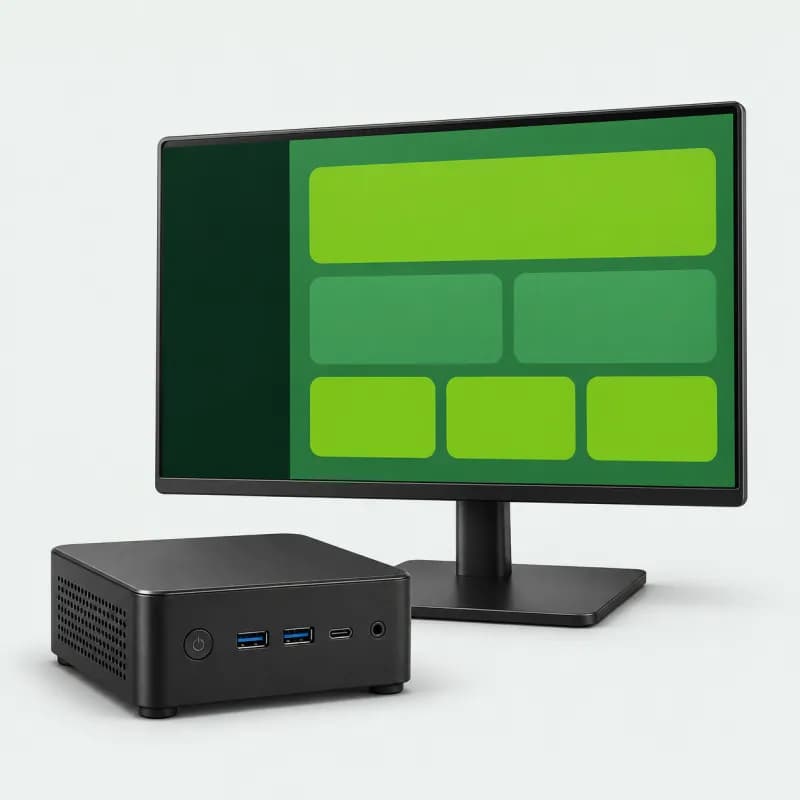
Mini PC
A full Windows computer the size of a coaster. It runs the PlayServe dashboard and POS in Chrome on a counter monitor, drives the lobby TV queue display from its second HDMI port, and hosts the PlayServe Print Bridge so the browser can print to your LAN receipt printer.
What to look for
- Windows 11 with Chrome
- Two display outputs: counter monitor + lobby TV
- Ethernet (LAN) port and Wi-Fi
- SSD storage and quiet cooling
Tip: Wire it to the router and leave it on. The Print Bridge starts by itself every time Windows signs in.
- Shopee: Beelink Mini S12 Pro, Intel N100, Windows 11, Wi-Fi 6
- Lazada: Viamai mini PC, dual display, Wi-Fi 5
Hardware questions, answered
- Do I need special hardware to run PlayServe?
- No. PlayServe runs in any modern browser on a laptop, tablet or phone. Everything on this list is optional. Add a receipt printer and cash drawer when you take cash at the counter, and a TV when you run Open Play queues.
- What is the minimum hardware setup for a small pickleball venue?
- A tablet on a stand (or a mini PC with a monitor) and a reliable internet connection. That covers bookings, walk-ins, the queue and online payments. Most venues add a thermal receipt printer and a cash drawer next, then a TV for the queue display.
- Which receipt printers work with PlayServe?
- Standard ESC/POS thermal receipt printers on 58mm or 80mm paper, connected over the network (LAN), Bluetooth, or through the browser. We recommend the LAN version of the Epson TM-T82X: it sits on your router, and every counter device prints to it through the PlayServe Print Bridge (Windows or Mac) or the PlayServe Bridge app (Android).
- Does the cash drawer open automatically?
- Yes, when it is plugged into the receipt printer. PlayServe's POS opens the drawer when it prints the receipt for a cash sale. Reprints and non-cash payments don't open it.
- Tablet or mini PC at the counter?
- A tablet on a stand is cheaper and can face the player. A mini PC with a monitor gives staff a bigger screen, can run the lobby TV from its second HDMI port, and hosts the Print Bridge for a LAN printer. Many venues use both.
- What happens if the internet goes down?
- Staff can still accept walk-ins and reconcile cash, and bookings sync when the connection returns. GCash, Maya and card payments need a live connection to confirm, which is why a backup line such as Starlink or a data SIM in the counter tablet is worth having.
- Are these affiliate links?
- Yes. The store links are affiliate links and the Starlink link is a referral link, so PlayServe may earn a small commission if you buy. It costs you nothing extra. We picked each item for how it fits a PlayServe counter, and you can use any equivalent hardware.