
Booking & Payments
Court & Booking Management
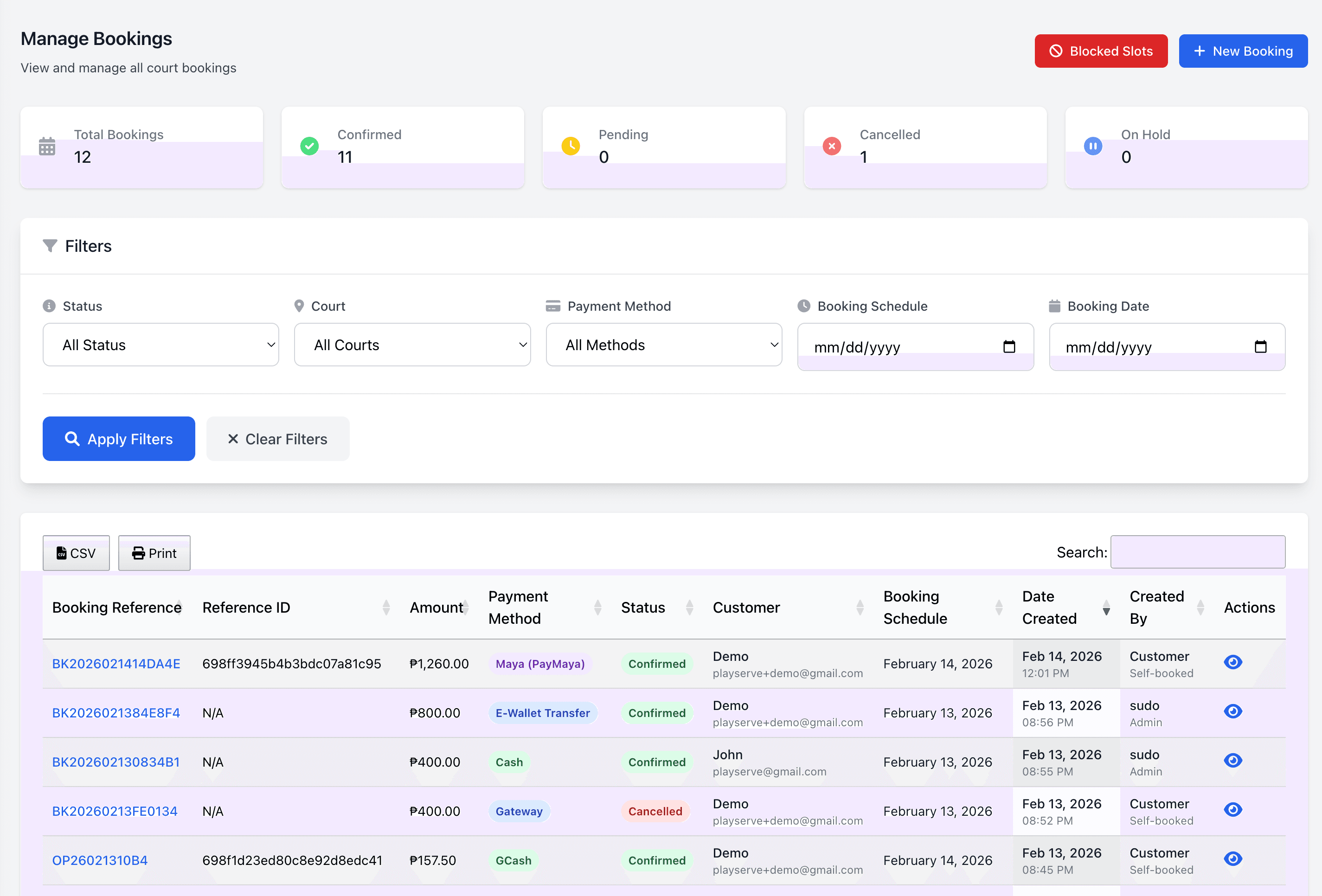
Take full control of your court scheduling with an interactive booking wizard that supports real-time availability, hold bookings with auto-expiry, and a complete booking lifecycle from pending to confirmed to completed. Set flexible court rates with time-of-day peak and off-peak pricing, generate invoices with PDF export, and maintain a full booking edit history audit trail.
Capabilities6 included
Booking wizard with interactive calendar and time slot picker
Hold bookings with auto-expiry and heartbeat monitoring
Court rates with time-of-day peak/off-peak pricing
Booking status lifecycle — pending → confirmed → completed / cancelled
Invoice generation and PDF export
Booking edit history audit trail
Frequently asked questions
- How do players book a pickleball court on PlayServe?
- Players browse real-time court availability on your PlayServe venue page, pick a time slot, and pay online in one flow. The slot is locked the moment payment succeeds.
- Can venue staff block out courts for maintenance or private events?
- Yes. Staff can block any court for any duration from the admin calendar, with optional notes visible internally.
- Does PlayServe support recurring bookings?
- Yes. Players and venue staff can create weekly recurring reservations that auto-generate slots across the chosen date range.
- What happens when two players try to book the same slot?
- PlayServe uses a database-level lock so only one booking per slot succeeds. The other player sees an immediate 'slot no longer available' message.
- Can venues offer walk-in bookings alongside online booking?
- Yes. Walk-in queue management runs alongside online booking — the system tracks both in one unified court schedule.
45
venues live on PlayServe
6
sports supported
₱999
per month, all core modules
No credit card
Book the demo and see the whole system before you pay anything.
Month-to-month
₱999/month per facility, unlimited courts. Cancel anytime.
PH-based team
Support in your timezone, from people who have run court venues.
We migrate your data
Bring your logbook or spreadsheet — we move it across during setup.