
Booking & Payments
Queue Management System
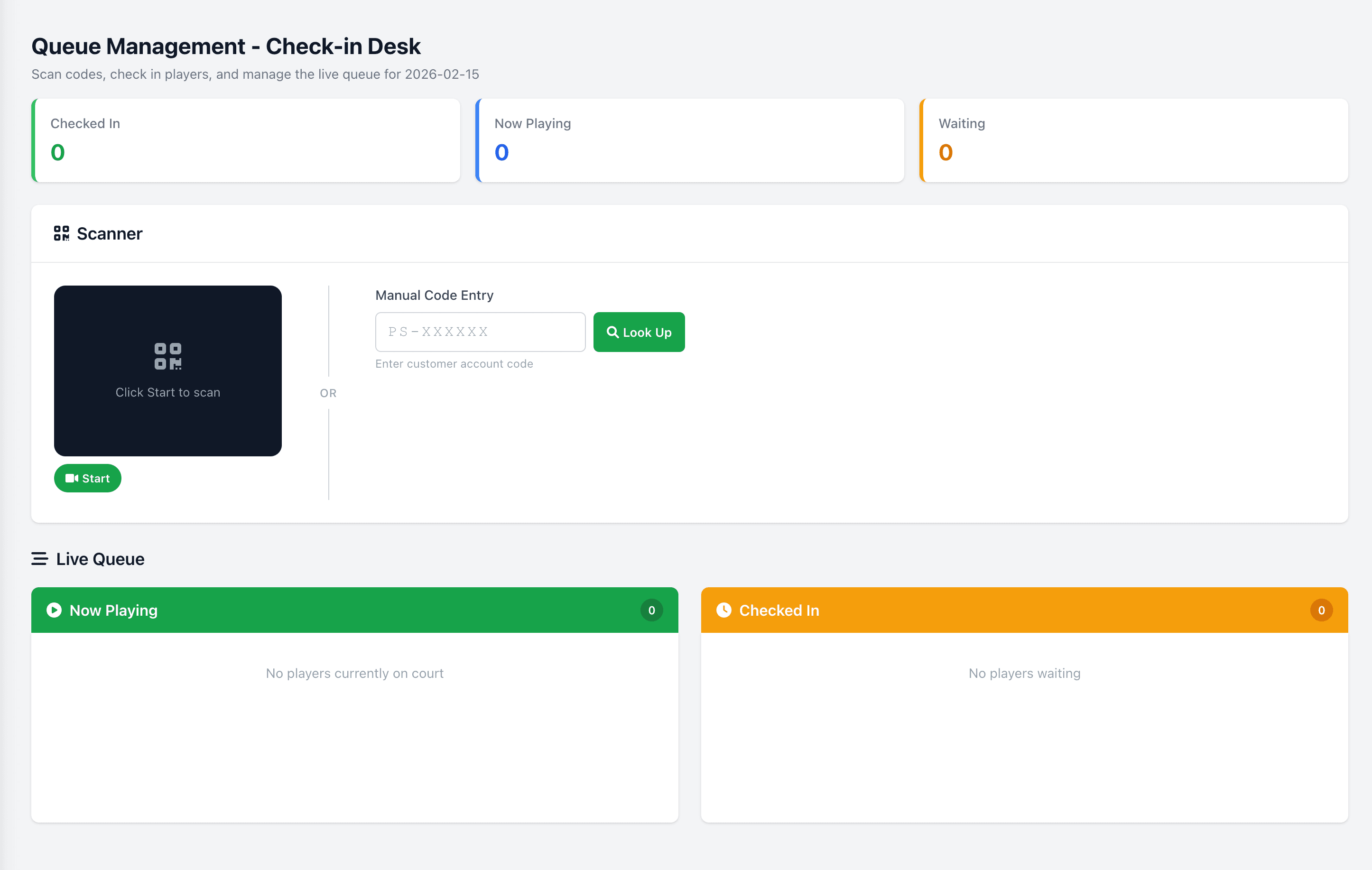
Bridge the gap between online bookings and walk-in traffic. Players scan a QR code to check in, and a live display screen in your lobby shows the real-time queue status. Manage walk-ins alongside pre-booked sessions, automatically assign courts as they become available, and keep your lobby organized without manual effort.
See our full pickleball queue management system guide.
Capabilities6 included
QR code check-in — scan and join the queue instantly
Public TV display screen for real-time queue status
Walk-in and pre-booked session integration
Automatic court assignment as availability opens
Estimated wait time calculations
Queue priority and VIP handling
Frequently asked questions
- How does PlayServe's walk-in queue work?
- Walk-in players scan a QR code at the venue, join the queue, and see live wait time on a public display. Courts are assigned automatically as they open up.
- Can venues run multiple queues for different court types?
- Yes. Venues with multiple courts or different skill levels can run separate queues that share the same display.
- Does the queue integrate with online bookings?
- Yes. The queue respects booked courts — a court with an upcoming reservation isn't assigned to the next walk-in player until after the booking ends.
45
venues live on PlayServe
6
sports supported
₱999
per month, all core modules
No credit card
Book the demo and see the whole system before you pay anything.
Month-to-month
₱999/month per facility, unlimited courts. Cancel anytime.
PH-based team
Support in your timezone, from people who have run court venues.
We migrate your data
Bring your logbook or spreadsheet — we move it across during setup.